Recruiters are actively trying to fill remote roles, which means they're easier to reach than you might think — if you know where and how to look. Finding remote recruiters on LinkedIn is mostly a matter of using the platform's search properly and sending a message that's specific enough to get a reply. Done right, this one skill can put you in front of hiring decisions that never get publicly posted anywhere else.
Search the Right Job Titles
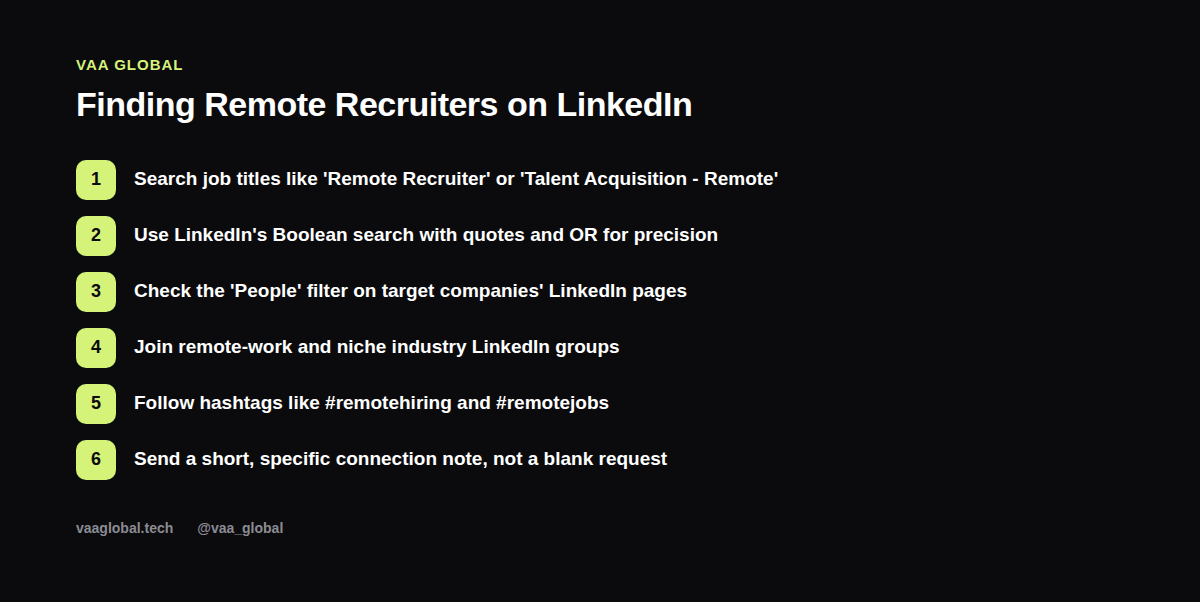
Recruiters go by many titles, so cast a slightly wider net than just "Recruiter." Try "Talent Acquisition," "Technical Recruiter," "People Operations," or "Remote Recruiter" in LinkedIn's search bar, and filter results to People. This single habit is often the fastest way how to search for remote job recruiters without wasting time guessing at the right keyword.
Use Boolean Search for Precision
LinkedIn supports basic Boolean operators in its search bar. Put exact phrases in quotes ("remote recruiter") and use OR to combine options, like ("talent acquisition" OR "recruiter") AND remote. This narrows thousands of loosely matching profiles down to the ones most relevant to what you're actually looking for.
Check Who Works at Your Target Companies
If you have a shortlist of companies you want to work for, go directly to their LinkedIn company page and click through to the People tab. Filter by job title to find anyone with “recruiter,” “talent,” or “people” in their role — these are the people actually involved in hiring decisions, as opposed to a general careers inbox that may go unread for weeks.
Join Remote-Work and Niche Industry Groups
LinkedIn Groups aren't as active as they used to be, but remote-work and niche industry groups still attract recruiters actively posting openings and looking for candidates. Joining a handful relevant to your field costs nothing and occasionally surfaces opportunities before they're widely posted elsewhere.
Follow Relevant Hashtags
Hashtags like #remotehiring, #remotejobs, or industry-specific tags (#virtualassistantjobs, for example) surface posts from recruiters actively sourcing candidates. Following a few and checking them periodically adds another channel beyond pure search, and it's a low-effort way to stay visible to recruiters on LinkedIn without constant active outreach.
Writing a Message That Gets a Reply
A blank connection request to a recruiter rarely gets accepted, let alone answered. Try something specific:
"Hi [Name], I saw you recruit for remote [field] roles at [Company]. I'm currently exploring opportunities in this space and would love to connect — happy to share my background if it's ever relevant to something you're working on."
It's Fine to Reach Out Even Without a Current Opening
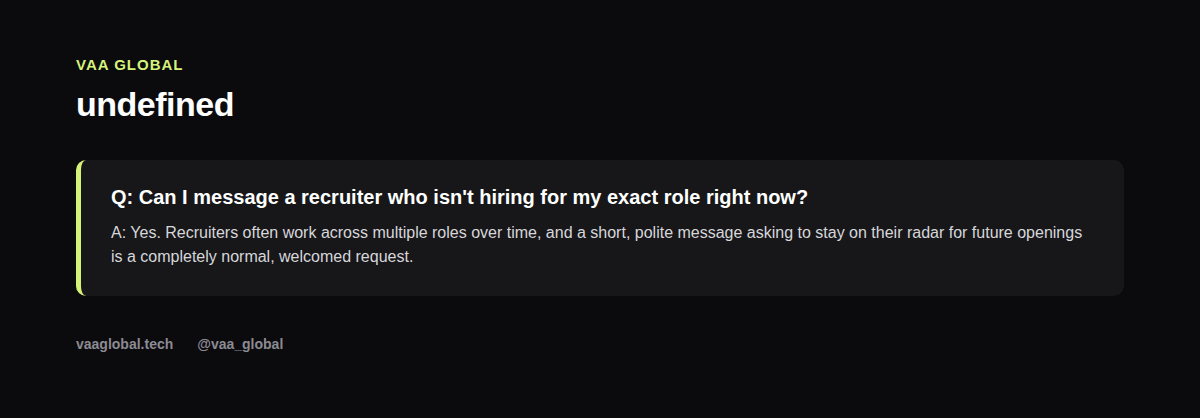
Many job seekers only message recruiters attached to a specific posted job, but recruiters typically work across multiple roles and time periods. A short, polite message asking to stay on their radar is a normal, welcomed ask, and it means you're already a known quantity if a matching role opens later.
Keep Track of Who You've Reached Out To
Once you start messaging multiple recruiters, it's easy to lose track of who you've already contacted and when. Log each one in your job search tracker spreadsheet, so you can follow up appropriately instead of either going quiet or double-messaging the same person by accident.
Pair This With a Strong Profile
None of this works if your own profile undermines the first impression. Before you start reaching out broadly, make sure you've addressed the most common LinkedIn profile mistakes remote job seekers make, since a recruiter who clicks into a weak profile after receiving your message is unlikely to follow up further. It's also worth reviewing how to turn your LinkedIn into a job search tool so recruiter outreach fits into a wider, consistent routine rather than a one-off effort.
What to Say When Messaging a Recruiter
If you're stuck on what should I say when messaging a recruiter on LinkedIn, keep it to three short parts: who you are, what you're looking for, and one small, specific detail that shows you did a bit of homework. Skip the long life story. A recruiter managing dozens of candidates will read a short message in full far more often than a long one.
Once You Find Them, Stay Visible Over Time
Finding a recruiter is just the first step. After you connect, occasionally engage with their posts or share a relevant update about your own search. This keeps you on their radar without feeling like you're pestering them, and it's often how do I find recruiters who hire for remote jobs turns into an actual referral months down the line rather than a one-time message that gets forgotten.
The Bottom Line
Remote recruiters on LinkedIn aren't hidden — they're searchable once you know the right job titles, use Boolean operators, and check the People tab on target companies. Combine that with a short, specific message instead of a blank connection request, and you'll open doors that job boards alone never show you. LinkedIn's own talent sourcing resources are worth a skim too, since understanding how recruiters search helps you understand how to be found by them.