Most job seekers use LinkedIn like a digital resume they update once and forget about. If you want results, you need to turn LinkedIn into a job search tool you actively work, the same way you'd work a spreadsheet or an inbox. That means daily small actions — not a one-time profile polish — that keep you visible to recruiters and connected to people who can actually refer you in.
1. Fix the Foundation First
Before any outreach strategy works, your profile needs to hold up to scrutiny. A weak headline or a profile with no remote signal undermines everything else you do. If you haven't already, review the most common LinkedIn profile mistakes remote job seekers make and fix them before you start reaching out to people, because a recruiter who clicks through from a comment or connection request will judge your profile immediately.
2. Set Up Job Alerts That Actually Work
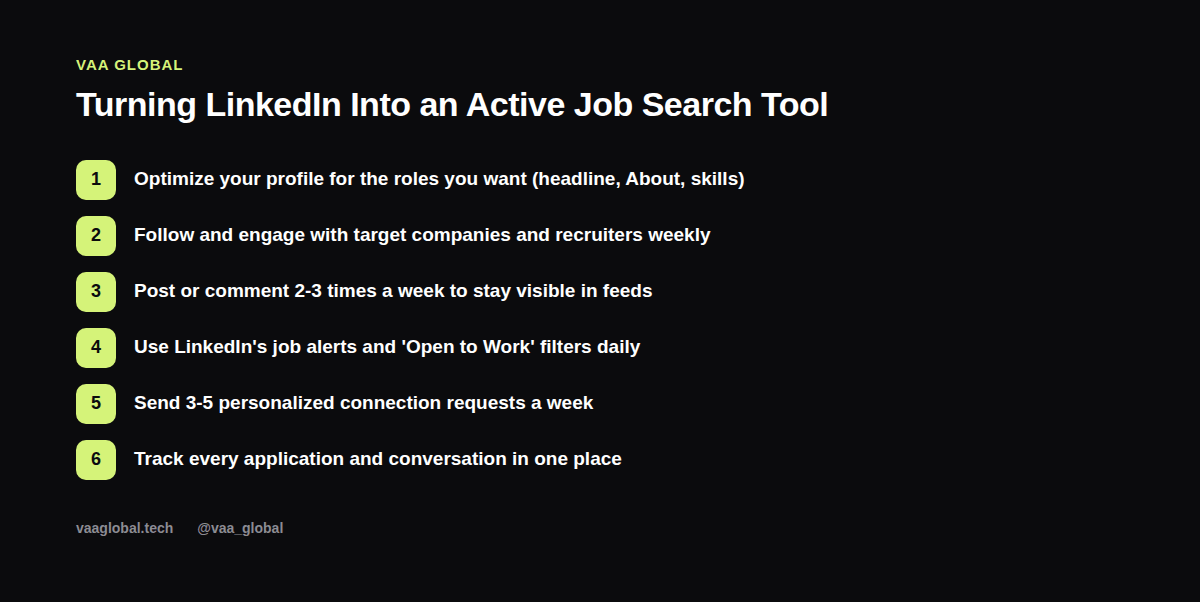
LinkedIn's job alerts feature is underused. Instead of one broad alert for “remote jobs,” set up three or four specific alerts — by job title, by location set to remote, and by company if you have a shortlist. Check them daily rather than relying on LinkedIn's email digest, which is often delayed and incomplete.
3. Follow and Engage With Target Companies
Following the LinkedIn pages of companies you want to work for does two things: it puts their job posts in your feed, and it means your name becomes familiar to anyone there who's active on the platform. Comment genuinely on their posts when something's relevant — not just “Great post!” but a real thought that adds something.
4. Send a Few Personalized Connection Requests Every Week
A blank connection request gets ignored. A short, specific one gets accepted. Try something like: “Hi [Name], I noticed you work in [field] at [company] — I'm building a career in [area] and would love to stay connected and learn from your experience.” Aim for three to five of these a week rather than mass-sending dozens with no context.
5. Post or Comment a Few Times a Week
You don't need to become a content creator. Sharing a short reflection on something you learned, a project you finished, or a useful resource two or three times a week is enough to keep showing up in your network's feed. This matters for using LinkedIn to find a job because visibility compounds — the people who see your name regularly are the ones who think of you when they hear about an opening.
6. Use LinkedIn Search Like a Recruiter Would
Flip your perspective: search LinkedIn the way a recruiter searches for candidates, but to find hiring managers, recruiters, and alumni at companies you're targeting. This is one of the most direct ways how to use LinkedIn to find a remote job, since it puts you in front of the actual decision-makers instead of waiting for a job post to appear.
7. Track Every Conversation, Not Just Every Application
LinkedIn outreach generates a lot of small conversations — a reply here, a connection there — and they're easy to lose track of. Keep a simple log (a job search tracker spreadsheet works well for this) noting who you messaged, when, and what the next step is, so nothing falls through the cracks.
8. Build a Weekly Routine, Not a Sprint
The job seekers who get the most out of LinkedIn treat it as a weekly habit: check alerts daily, send a handful of connection requests, engage with a few posts, and review your profile every couple of weeks. This steady rhythm is what actually gets recruiters to notice you on LinkedIn over time, far more than a single burst of activity followed by weeks of silence.
9. Don't Neglect Your Existing Network
It's tempting to focus entirely on strangers, but your existing connections — former classmates, past colleagues, course mentors — are often your fastest path to a referral. A short message like “I'm exploring remote roles in [field], would you be open to a quick chat about your experience?” to five people you already know can outperform fifty cold connection requests.
How Often Should You Post When Job Hunting?
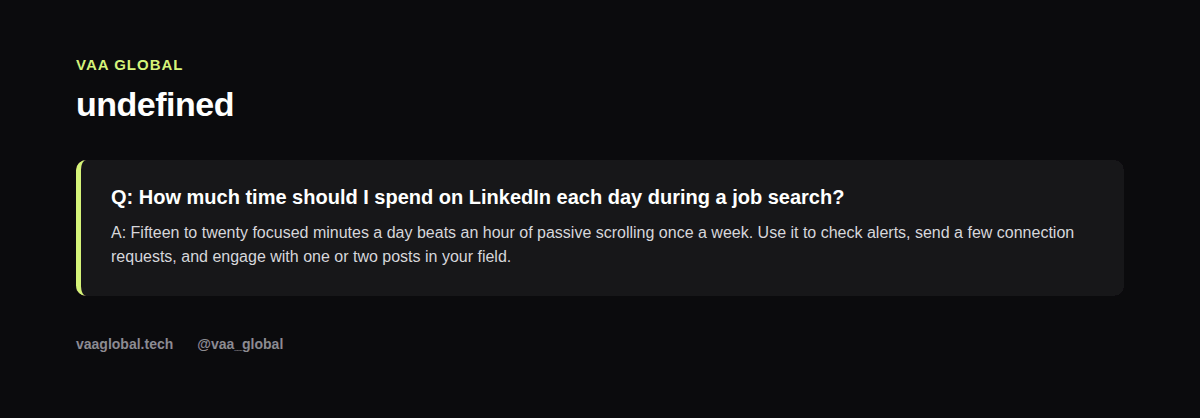
A common question is how often should I post on LinkedIn when job hunting, and the honest answer is: less than people assume. Two to three posts or thoughtful comments a week is plenty to stay visible without it feeling forced or starting to look like you have nothing else going on. Quality and relevance beat frequency every time — one genuinely useful post a week outperforms five generic ones.
The Bottom Line
You don't need a LinkedIn Premium subscription or a huge following to turn LinkedIn into a job search tool — you need a profile that holds up, a short daily routine, and the discipline to track what you're doing. Start with the foundation, layer on consistent engagement, and give it a few weeks before judging the results; LinkedIn outreach tends to compound rather than pay off instantly. For more on reaching the people who hire directly, see how to optimize your LinkedIn profile for remote jobs, and for a broader view of staying visible online, how to network online as a remote professional is a useful next read. LinkedIn's own guide to profile tips that impress recruiters is also worth a look for platform-specific detail.