A LinkedIn Featured section that showcases your work turns your profile from a list of claims into something a recruiter can actually click through and inspect. It sits right below your About section, as a row of clickable cards, and it's one of the few places on LinkedIn where you control exactly what someone sees first after reading your summary. Most people leave it empty, which quietly wastes one of the most persuasive spots on the whole profile.
What The Featured Section Is For
The Featured section exists to let you pin specific content to the top of your profile. That way, you're not hoping someone scrolls through your activity or experience history on their own. Unlike your work experience, which is chronological and text-based, Featured items are visual and clickable. As a result, they're far more likely to actually get opened by someone deciding whether to message you.
What Goes In The LinkedIn Featured Section
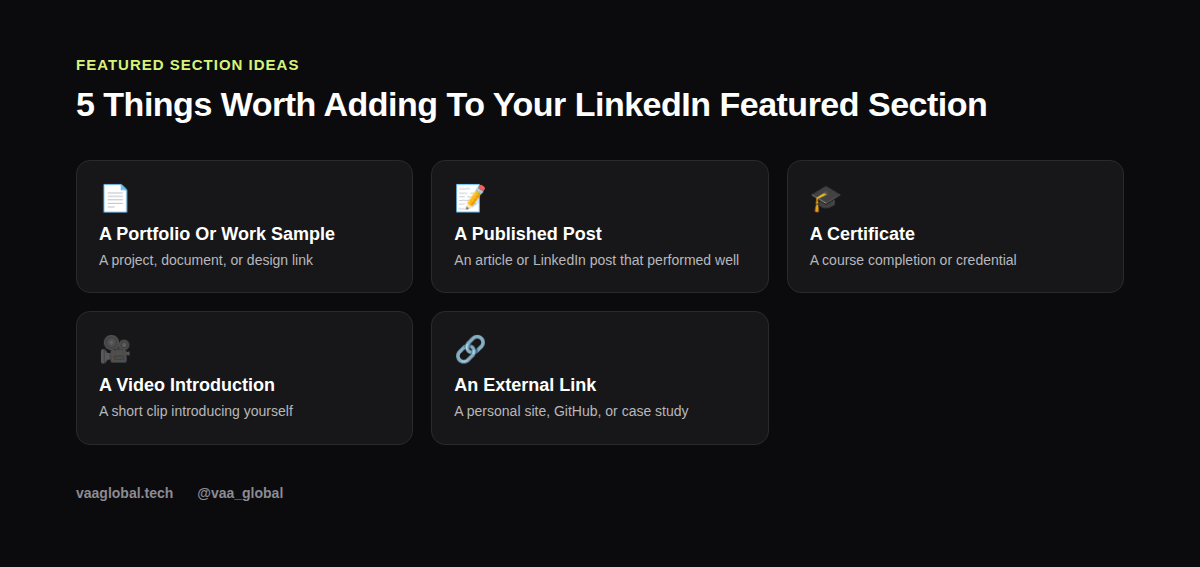
What goes in the LinkedIn Featured section depends on what you have, but five categories cover most people: a portfolio or work sample (a project, document, or design link), a published post or article that performed well, a certificate or course completion, a short video introduction, and an external link such as a personal site or GitHub profile. You don't need all five; two or three strong, relevant items beat five weak ones.
How To Add Items To Your LinkedIn Featured Section
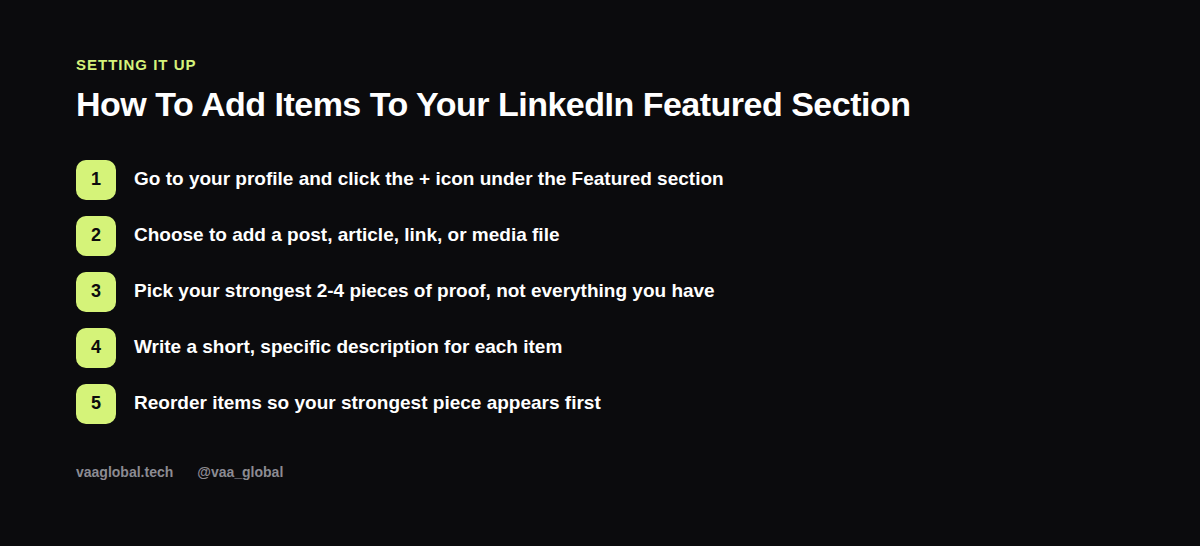
Go to your profile and click the + icon under the Featured section heading, then choose whether you're adding a post, an article, a link, or a media file like a PDF or image. Pick your strongest 2-4 pieces of proof rather than everything you've ever made, write a short, specific description for each item explaining what it is and why it matters, and reorder them so your single strongest piece sits first, since that's what gets seen before anyone clicks "see more."
LinkedIn Featured Section Examples By Role
For a virtual assistant: a one-page case study PDF titled "How I Cut Email Response Time by 70% for a Client," with a short caption describing the tools used and the result. For an aspiring data analyst: a screenshot or link to a dashboard built during training, captioned with the dataset and the business question it answered. For someone earlier in their training: a certificate of completion paired with a short LinkedIn post reflecting on what the course covered and what skill stood out most.
Can I Add A Resume To My LinkedIn Featured Section
Can I add a resume to my LinkedIn Featured section is a common question, and yes, you can upload it directly as a media file. That said, treat it as a supplement, not a substitute for your Experience and About sections, which recruiters usually read first. A resume works well as one Featured item among a couple of others, rather than the only thing featured on your profile.
How Many Items Should Be In A LinkedIn Featured Section
How many items should be in a LinkedIn Featured section comes down to quality over quantity. Two to four well-chosen pieces, each clearly labeled, give a visitor enough to form a strong impression without feeling overwhelmed. Adding ten items with no clear hierarchy usually buries your best work instead of highlighting it.
Writing Descriptions That Actually Sell The Content
Each Featured item gets a title and description field. This is where a lot of people under-deliver, labeling things with something generic like "My Resume" or "Project 1." Instead, describe the outcome or context: what the piece is, who it was for, and what it demonstrates. A caption like "Email automation workflow I built during training, reducing manual follow-up by 3 hours a week" does far more work than a bare filename, because it gives the reader a reason to click before they even open the file.
Matching Featured Content To The Jobs You Want
Treat your Featured section the same way you'd treat a highlight reel: every item should point toward the role you're actually applying for, not just whatever you happen to have on hand. If you're switching fields, swap out older, less relevant pieces for anything connected to the new direction, even a small practice project. A Featured section that's clearly aimed at one type of role reads as more deliberate than one that feels like a random grab bag of unrelated work.
Connecting Featured Content To Your Portfolio
If you don't have standalone content to feature yet, building even a simple portfolio gives you something to link. Our post on whether virtual assistants need a portfolio website is a good starting point, and VAA Global students completing an eligible course can use the VAA Global Portfolio Builder to create something shareable. Once it's built, pair it with your LinkedIn About section for a profile that backs up every claim with something clickable, and check LinkedIn's help center for the platform's current upload limits and supported file types.
The Bottom Line
A LinkedIn Featured section that showcases your work is one of the fastest ways to turn claims into proof a recruiter can actually open. Pick two to four strong pieces, write specific descriptions for each, and lead with your best one. It takes less than an hour to set up and works for you every time someone lands on your profile.