It might surprise you that fax machines still show up constantly in healthcare, which is exactly why medical virtual assistant efax basics belong in your toolkit even as a beginner. eFax simply means sending and receiving faxes digitally, through a service or software, instead of a physical machine with paper and a phone line. Labs, specialists, pharmacies, and insurers often still rely on fax as their preferred way to share documents, so understanding how eFax works keeps you relevant to tasks that haven't fully modernized yet.
Why Fax Survives in a Digital Industry
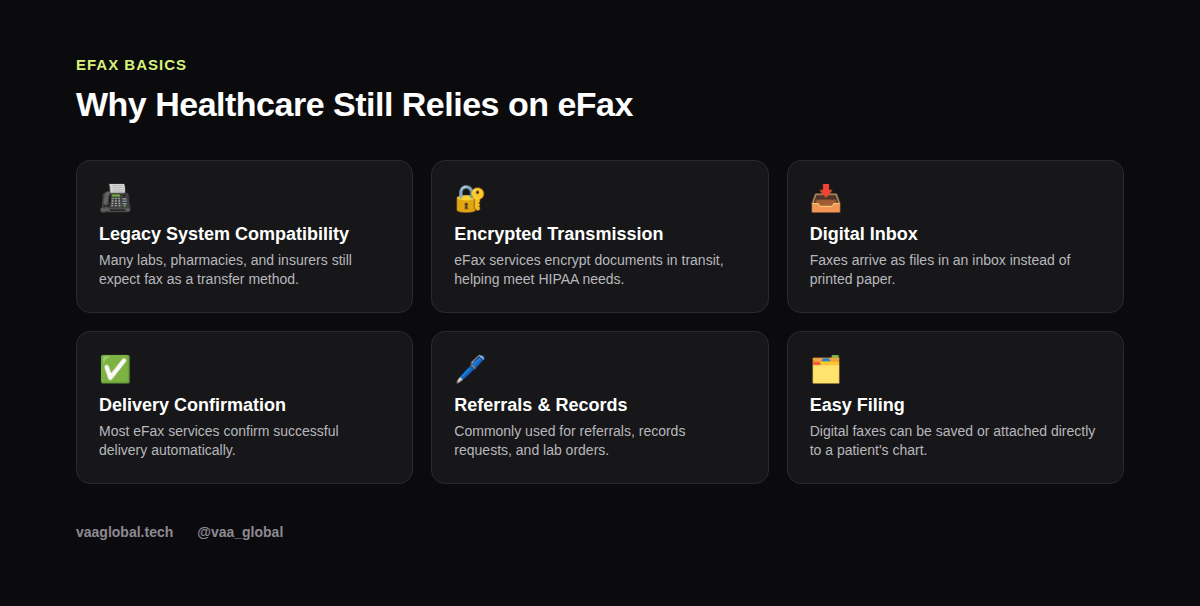
You'd expect an industry built on electronic health records to have dropped fax entirely, but many outside organizations, like labs, specialists, and insurers, still accept or require it. Because fax has been treated as a secure, traceable method for decades, it has stuck around even as other communication shifted toward email and secure messaging.
What Is eFax Used For in a Medical Practice?
So, what is eFax used for day to day? With eFax, instead of standing at a machine feeding in paper, documents arrive as digital files straight into an online inbox. Sending works the same way in reverse: you upload a file, enter the recipient's fax number, and the service transmits it digitally on your behalf. No paper, no physical line, no toner required. Most practices use it for referrals, lab orders, prior authorization paperwork, and records requests moving between offices.
Common MVA Tasks Involving eFax
As an MVA, you might send a referral to a specialist, forward a records request to another provider, or receive lab results that need to be attached to a patient's chart. Each of these tasks ties back into broader medical records handling, and our guide on medical records and EHR checklists covers the filing side of this work in more detail.
Is eFax HIPAA Compliant?
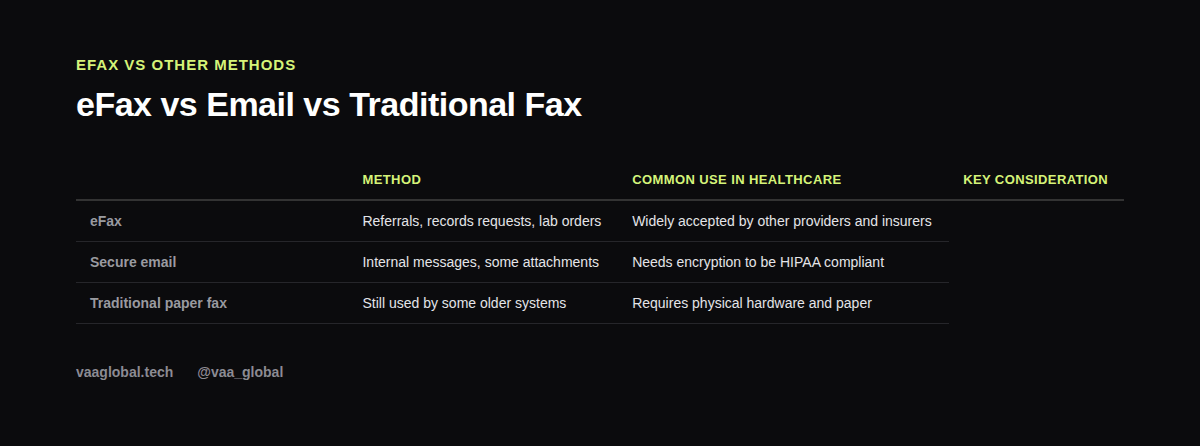
A natural question for anyone new to this is whether eFax is HIPAA compliant at all. The honest answer is: it depends on the provider. Because faxed documents often contain protected health information, the same HIPAA rules that apply to charts and emails apply here too. That means using an approved eFax service the practice has vetted, never faxing to an unverified number, and double-checking recipient details before sending anything sensitive. For the authoritative source on these requirements, see HHS.gov, and for a broader look at handling sensitive records generally, see our guide on patient data protection.
How Do You Send a Secure Fax?
If you're wondering how you send a secure fax as an MVA, the short version is: through the approved tool, to a verified number, with a cover sheet that avoids unnecessary patient detail on the visible page. Avoid free consumer fax apps for anything work related, since they rarely meet healthcare's security expectations. Our piece on business associate agreements explains why the vendor behind a tool matters just as much as the tool itself.
Double-Checking Before You Send
A wrong digit in a fax number can send a patient's private information to a stranger, so verification matters enormously here. Always confirm the recipient's fax number against a trusted source, like the referral letter or the provider directory, rather than relying on memory or an old contact list.
Organizing Incoming Faxes
Incoming eFax documents pile up quickly if no one is actively managing them. Part of the job often involves checking the inbox regularly, matching documents to the right patient chart, and flagging anything urgent, like a time-sensitive lab result, instead of letting it sit unprocessed. A simple daily habit, like clearing the eFax inbox at set times, prevents small backlogs from turning into missed follow-ups.
A Quick Note on Fax Numbers and Trust
One underrated skill here is simple skepticism. If a fax number looks unfamiliar or a request seems unusual, it's worth a quick phone call to confirm before sending anything. This small habit protects patient privacy far more than any software feature ever could, and it costs almost nothing in terms of time.
Is eFax Hard to Learn for a Beginner?
Not at all. Most eFax services work through a simple web dashboard, similar to email. If you can upload a file and type in a number, you can generally handle the basics within minutes. Employers usually show new hires their specific setup during onboarding anyway.
The Bottom Line
Medical virtual assistant efax basics boil down to understanding why fax still matters in healthcare, how digital faxing actually works, and how to handle sensitive documents carefully. Learn those habits, and this small but persistent part of the job becomes second nature fast. VAA Global's Medical Virtual Assistant Training is a 6-module, beginner-level course covering HIPAA compliance, healthcare administration, and records handling, with no prior medical background required, plus job assistance after graduation.