These public speaking tips for virtual meetings matter because speaking on camera requires different habits than speaking in a room full of people, even though the underlying skill is similar. A joke that lands in person can fall flat over video, and a confident in-person posture can look stiff or awkward through a small webcam frame. This guide covers the specific adjustments that make virtual presentations actually land.
Why Do Virtual Presentations Feel Flat?
Why do virtual presentations feel flat is a question almost every remote worker has asked after a meeting that just did not land. Video strips away a lot of natural cues, like full body language and the energy of a live room, so speakers have to work harder to project warmth and clarity through a small screen. Once you understand this, you can compensate deliberately instead of assuming you are simply bad at presenting.
Fix Your Lighting Before Anything Else
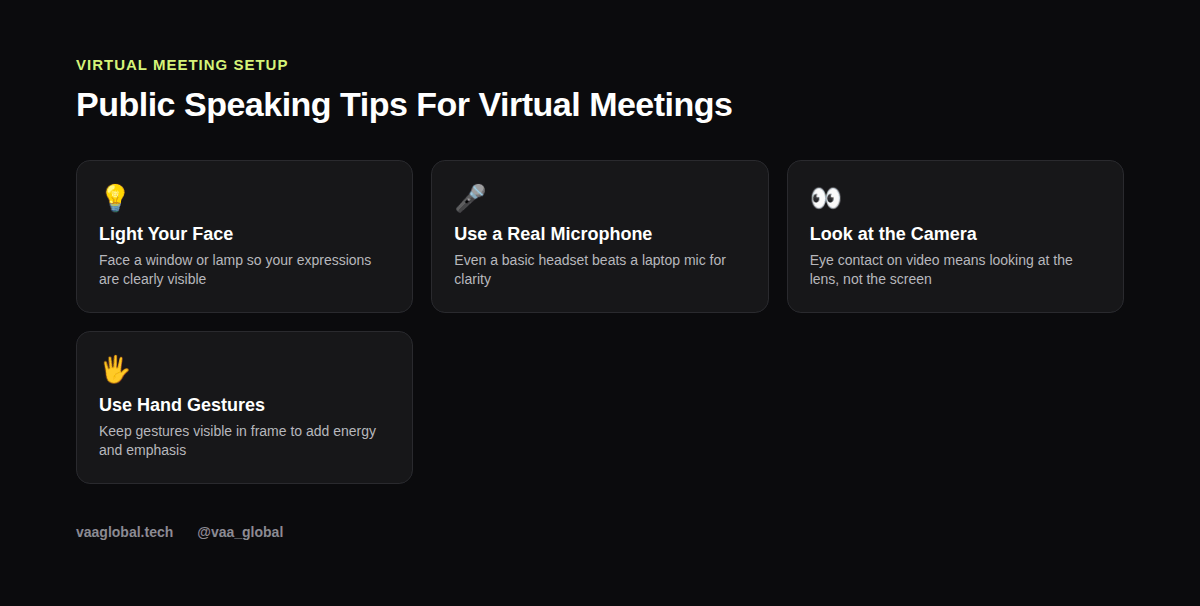
Camera presence starts with lighting, not confidence. Face a window or a lamp placed in front of you, not behind you, so your face is clearly lit instead of shadowed or silhouetted. This single change often improves perceived confidence more than any verbal technique, because a well-lit, visible face reads as more trustworthy and engaged on screen.
Upgrade Your Audio Before Your Video
Audio quality matters more than video quality for holding attention. A basic wired headset or a simple external microphone dramatically outperforms a laptop's built-in mic, which often picks up echo, background noise, and a thin, distant sound. If your voice is hard to understand, nothing else about your presentation matters, so fix this first if you present virtually on a regular basis.
How Do I Look Confident on a Video Call?
How do I look confident on a video call comes down to a few specific habits: sit slightly back from the camera so your shoulders and hands are visible, keep your gestures within frame, and resist the urge to slump once you stop talking actively. Looking directly at the camera lens, rather than at your own image or the speaker's video, creates the illusion of eye contact, which matters even more on video than it does in person.
Use Screen Share Deliberately, Not Constantly
Sharing your screen the entire meeting removes your face from view and flattens your presence into a disembodied voice. Instead, toggle screen share on only when a visual genuinely adds value, and switch back to your camera for key moments, especially your opening and your closing points, so your audience connects with you, not just your slides.
How Do I Keep People Engaged on a Zoom Call?
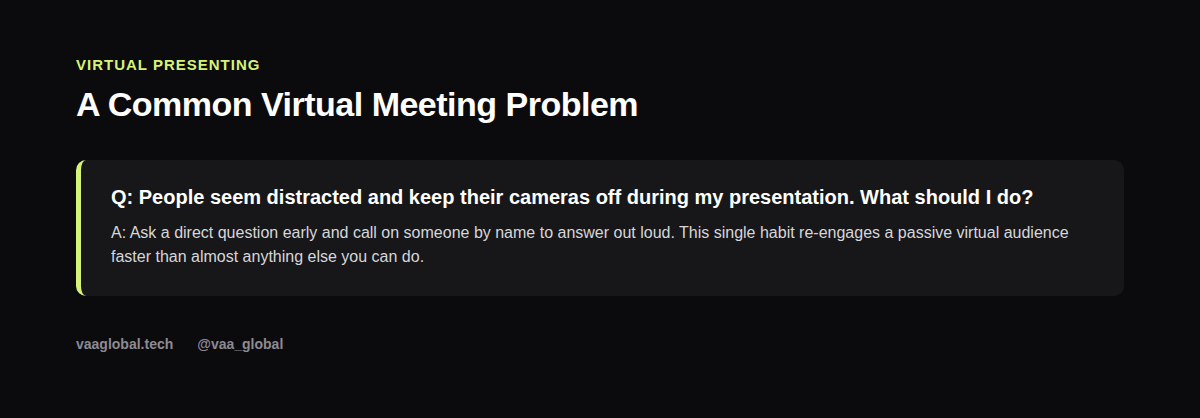
How do I keep people engaged on a Zoom call usually comes down to interaction, not content quality alone. Ask a direct question and call on someone by name every few minutes, use polls or chat prompts if the platform supports them, and acknowledge comments from the chat out loud as they come in. Passive audiences on video drift within minutes, so give them small, frequent reasons to participate rather than just listen.
Handle Technical Hiccups Without Losing Composure
Frozen screens, audio lag, and dropped connections happen to everyone eventually. When they happen to you, acknowledge it briefly, fix what you can quickly, and keep moving rather than apologizing repeatedly or losing your train of thought. A calm, brief response to a technical glitch reads as professionalism, while visible panic draws more attention to the problem than it deserves.
Apply the Same Structure Principles, Just Tighter
Everything about good presentation structure that keeps people engaged still applies on video, just compressed and sharpened, because attention spans shrink further on screen. Keep sections shorter, change visuals more frequently, and build in a question or interaction point roughly every three minutes instead of every five.
Manage Nerves the Same Way, With One Addition
If camera nerves are part of your struggle, the breathing and reframing techniques in our guide on how to overcome stage fright step by step apply here too, with one addition: do a quick tech check five minutes before you go live, since knowing your setup works removes one entire category of anxiety before you even start speaking.
Build Remote Meeting Engagement Into Your Agenda
Strong remote meeting engagement rarely happens by accident; it is usually planned into the agenda itself. Before the call, decide where you will pause for a question, where you will ask someone directly for their view, and where a quick poll might fit. Platforms like Zoom document many of these built-in engagement features clearly; the Zoom support center is a useful, free reference for exploring polls, reactions, and breakout rooms you may not be using yet.
The Bottom Line
Mastering public speaking tips for virtual meetings is really about compensating deliberately for what video strips away: fix your lighting and audio first, look at the lens instead of the screen, and build frequent interaction into your structure. If you want structured, guided practice in both in-person and virtual delivery, VAA Global's public speaking and media communication course covers media communication and facilitation over a 10-week, fully remote program.