Learning how to set up a home lab for cybersecurity practice is one of the best things a beginner can do before applying for any security role, because it turns abstract concepts into hands-on muscle memory. A home lab is simply a safe, isolated environment where you can practice attacking and defending systems without touching anything real or illegal. You don't need expensive hardware or enterprise software; a single laptop with enough RAM and a few free tools is enough to get started.
Why a Home Lab Matters So Much for Beginners
Cybersecurity is a field where reading alone doesn't build real skill. Employers want to see that you've actually scanned a network, exploited a known vulnerability safely, or analyzed real traffic, not just that you can define these terms. A home lab gives you a legal, contained space to build exactly that hands-on experience, and it becomes one of the strongest things you can talk about in an interview.
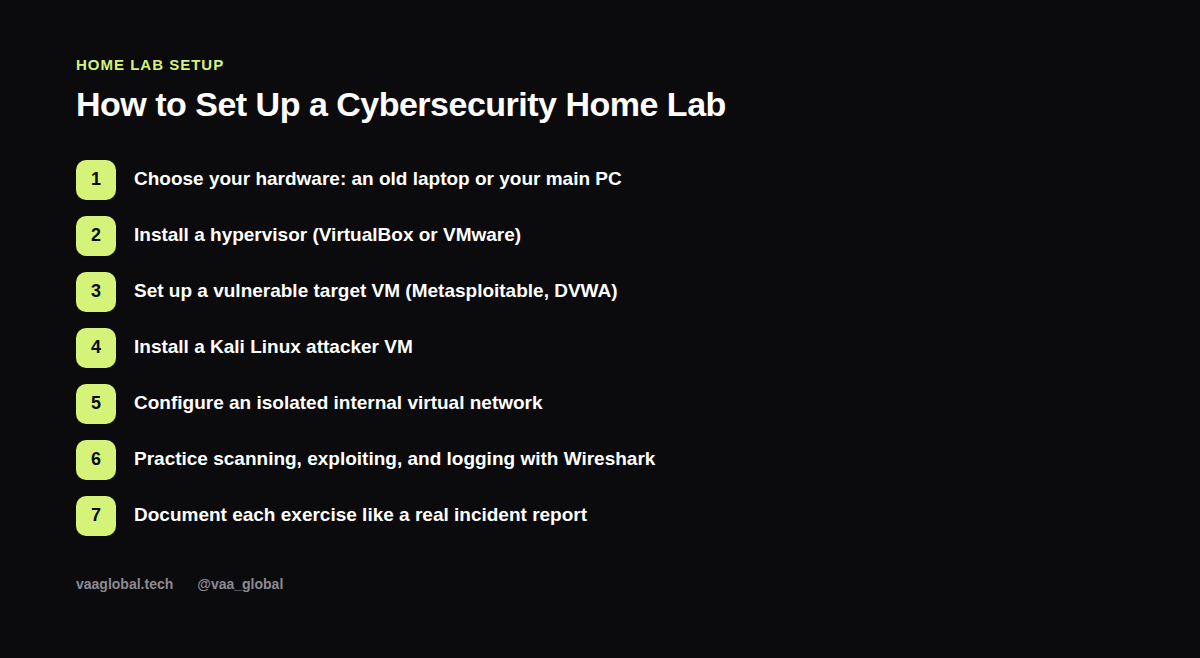
Step 1: Choose Your Hardware
You don't need a powerful machine. A laptop with at least 8GB of RAM (16GB is more comfortable) and some free disk space is enough to run two or three lightweight virtual machines at once. An old laptop repurposed specifically for this lab is ideal, since it keeps your lab environment separate from your daily-use machine.
Step 2: Install a Hypervisor
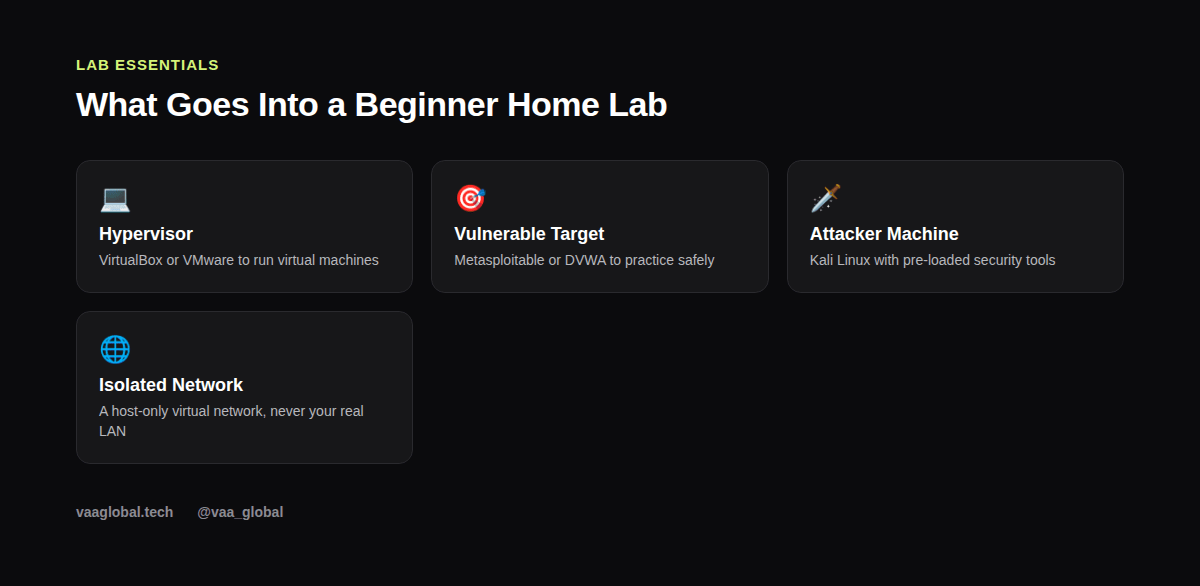
A hypervisor lets you run virtual machines on top of your existing operating system. VirtualBox, from Oracle's official documentation, is free and widely used for home labs, while VMware Workstation Player is another solid free option. Install one of these first; everything else in your lab runs inside it.
Step 3: Set Up a Vulnerable Target Machine
Metasploitable and DVWA (Damn Vulnerable Web Application) are purpose-built virtual machines containing known, intentional vulnerabilities for you to practice against safely. Download one of these as your "target," since practicing against intentionally vulnerable systems is both legal and far more instructive than guessing at real-world targets, which you should never scan or attack without explicit authorization.
Step 4: Install a Kali Linux Attacker Machine
Kali Linux comes pre-loaded with most of the tools you'll need: Nmap, Metasploit, Wireshark, and dozens of others. Set this up as a separate virtual machine, and think of it as your "attacker" box that interacts with your vulnerable target machine inside the lab.
Step 5: Configure an Isolated Internal Network
This is the most important safety step. Configure your hypervisor's networking so that your lab machines can only talk to each other on a host-only or internal network, never your real home network or the internet. This prevents any accidental scanning or traffic from leaving your lab, which matters both for safety and for staying within legal boundaries.
Step 6: Practice Core Skills Inside the Lab
Once everything is running, start with basic reconnaissance: scan your target machine with Nmap, capture traffic with Wireshark, and attempt a known exploit against Metasploitable using Metasploit. Our guide on common cybersecurity tools beginners should learn covers the basics of each of these tools if you're starting from zero.
Step 7: Document Every Exercise
Treat each lab exercise like a mini incident report: what you did, what you found, and what you'd do differently. This habit does two things at once — it reinforces your learning, and it builds a written record you can reference in interviews. Our piece on cybersecurity interview questions for beginners shows exactly how interviewers expect you to talk through this kind of hands-on experience.
Staying Safe and Legal
Never point your lab tools at systems you don't own or have explicit written permission to test; scanning or exploiting real systems without authorization is illegal almost everywhere, regardless of intent. The OWASP project is a trustworthy source for understanding common web vulnerabilities in a responsible, educational context.
Common Questions About Cybersecurity Home Lab Setup
A quick cybersecurity home lab setup checklist often sparks a few predictable questions. First, what do I need to build a home cybersecurity lab beyond the basics covered above? Honestly, not much more; a second vulnerable VM and some patience are usually enough. Second, is it legal to practice hacking in a home lab at all? Yes, as long as everything stays inside machines you own and the network stays isolated. Third, people ask how much RAM do I need for a security lab, and while 8GB works, more headroom means you can run your VirtualBox lab for beginners setup alongside a browser and notes without constant slowdown. Finally, once your vulnerable VM practice feels comfortable, move on to a slightly harder target to keep building confidence gradually, rather than jumping straight to advanced exploitation.
Where to Go From Here
Once your basic lab is running smoothly, expand it gradually: add a second vulnerable VM, try a different operating system target, or set up basic logging and alerting to practice the defensive side of security, not just the offensive side. If you're still overwhelmed about where to begin at all, our guide on cybersecurity beginner overwhelmed, where to start is a good companion read.
The Bottom Line
Knowing how to set up a home lab for cybersecurity practice gives you something most beginner applicants don't have: real, demonstrable hands-on experience. Start small, keep it isolated from your real network, and document everything you do. If you want structured, guided practice alongside this kind of lab work, our 10-week Cybersecurity course covers networking, ethical hacking, vulnerability management, web application security, and incident response from the ground up.