Learning the common tools every project manager should know is often more practical, in the short term, than mastering project theory, because most job postings specifically list software like Jira or Trello as a requirement. However, each tool exists for a slightly different type of project, and knowing which one fits which situation matters more than knowing all of them equally well. This guide walks through the tools that come up most often and when to actually use each one.
What Software Do Project Managers Actually Use?
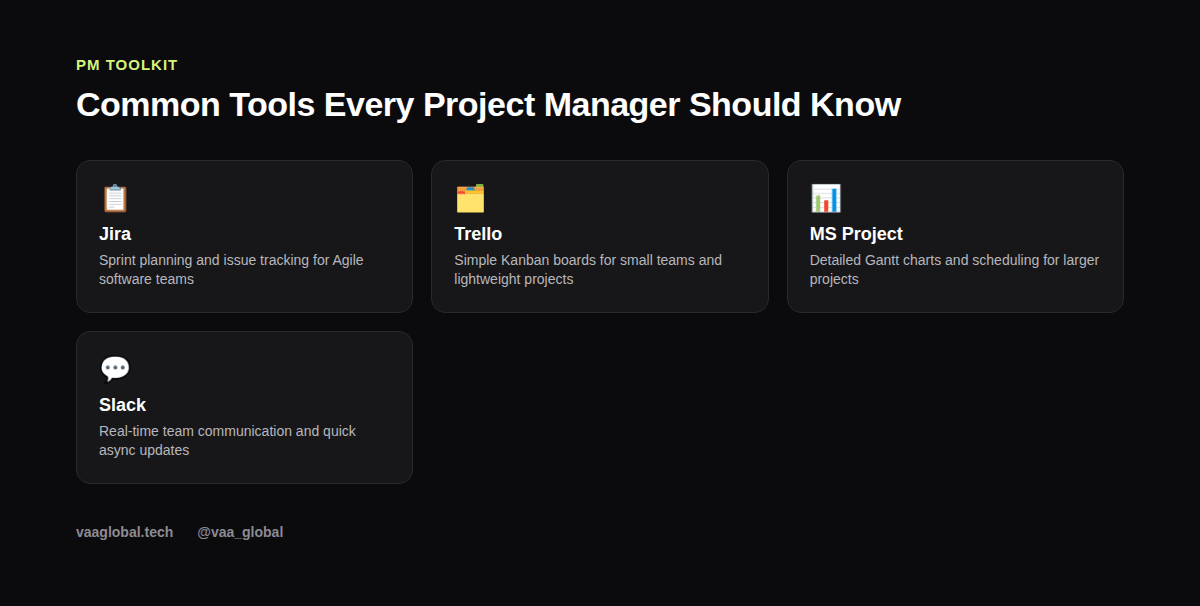
What software do project managers use day to day usually falls into four categories: task and sprint tracking, scheduling, documentation, and communication. Few teams use every tool in every category; most settle on one or two that fit their size and methodology. Understanding this grouping helps you learn tools faster, because you are learning a category of problem, not just a list of software names.
Jira for Beginners: What It's Actually For
Jira for beginners can feel overwhelming because of how many features it has, but its core purpose is simple: tracking tickets, or individual tasks, through stages like To Do, In Progress, and Done, usually within a sprint. Jira is especially common on software development teams running Scrum, so understanding how a backlog and a sprint board work in Jira pairs naturally with the concepts covered in our guide on Agile vs Scrum vs Waterfall explained simply.
Trello vs Jira: Which Should You Learn First?
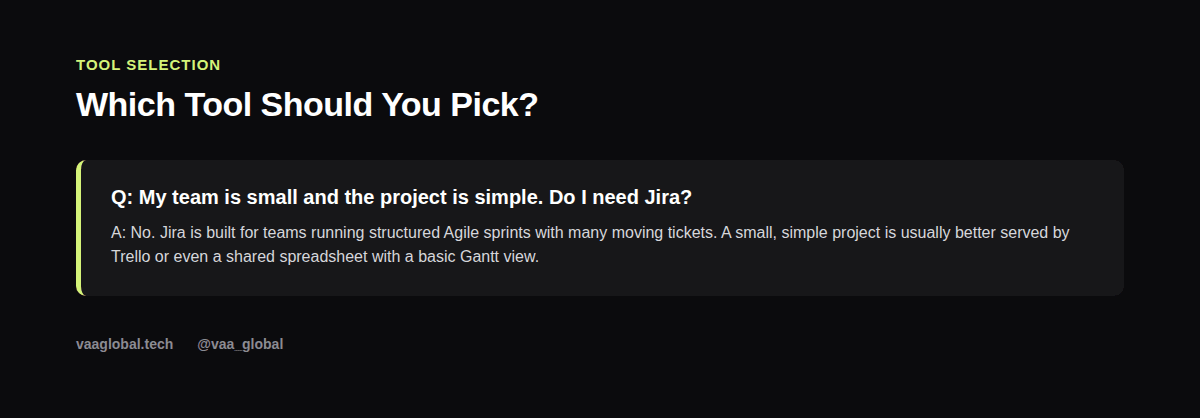
The Trello vs Jira question comes up constantly for beginners, and the honest answer is to start with Trello. Trello uses a simple drag-and-drop Kanban board with cards and columns, which is intuitive even without training, while Jira requires more setup and configuration to use well. Once you are comfortable organizing work visually in Trello, Jira's extra complexity makes more sense.
Gantt Chart Tools for Scheduling and Dependencies
For projects with clear phases and dependencies, such as one task needing to finish before another starts, Gantt chart tools like Microsoft Project, Smartsheet, or even a well-built spreadsheet timeline are essential. These are more common in Waterfall-style projects, where the full schedule is mapped out upfront rather than built sprint by sprint. Learning to read and build a basic Gantt chart is one of the most practical project management software skills you can show in an interview.
Communication Tools: Slack, Teams, and Email
No amount of great planning software replaces clear communication, so Slack or Microsoft Teams, along with structured status update emails, round out a project manager's toolkit. Use these to flag risks early, confirm decisions in writing, and keep stakeholders updated without requiring a meeting for every small change. Clear written communication is a skill employers specifically probe for in project manager interview questions.
Do I Need to Learn Jira to Get a PM Job?
Not always, but it significantly widens your options, since so many software and tech companies standardize on it. If a specific job posting lists a different tool, such as Asana or Monday.com, do not panic; the underlying concepts, backlogs, boards, and sprints, transfer easily between most modern PM tools once you understand one well.
What Is the Easiest Project Management Tool for Beginners?
Trello is widely considered the easiest project management tool for beginners because of its visual, drag-and-drop interface and minimal setup. Many free Trello templates exist specifically for practicing with a mock project, which pairs well with building out a project management portfolio with no experience.
How to Practice These Tools Without a Job Yet
Most of these tools, including Trello and Jira, offer free tiers specifically for individuals or small teams. Create a free account, build a mock project with a realistic scope and timeline, and move cards or tickets through stages exactly as you would on a real team. Doing this once, properly, teaches you more than reading about the tool ever would. Treat it as a small, real project: write the scope, add a few realistic tasks with due dates, and move them through stages exactly as you would on the job, since a hiring manager can usually tell the difference between a mock project built carefully and one thrown together in five minutes.
A Dashboard Habit Worth Building Early
Whichever tool you land on, build the habit of checking one central dashboard daily instead of scattering updates across chats and emails. A clean dashboard view of tasks, deadlines, and blockers gives you an honest picture of the project's health at a glance. Atlassian, the company behind Jira and Trello, publishes free guides on structuring boards and dashboards well; the Atlassian Agile Coach is a solid, free resource worth bookmarking alongside your tool of choice.
The Bottom Line
Learning the common tools every project manager should know does not require mastering every platform on the market. Learn Trello first for the fundamentals, add Jira if you are targeting software teams, understand basic Gantt chart scheduling, and treat clear communication tools as equally important as any task tracker. If you want structured, hands-on practice with these exact tools alongside Agile, Scrum, and Waterfall training, VAA Global's project and programme management training is a 10-week, fully remote course built for beginners.