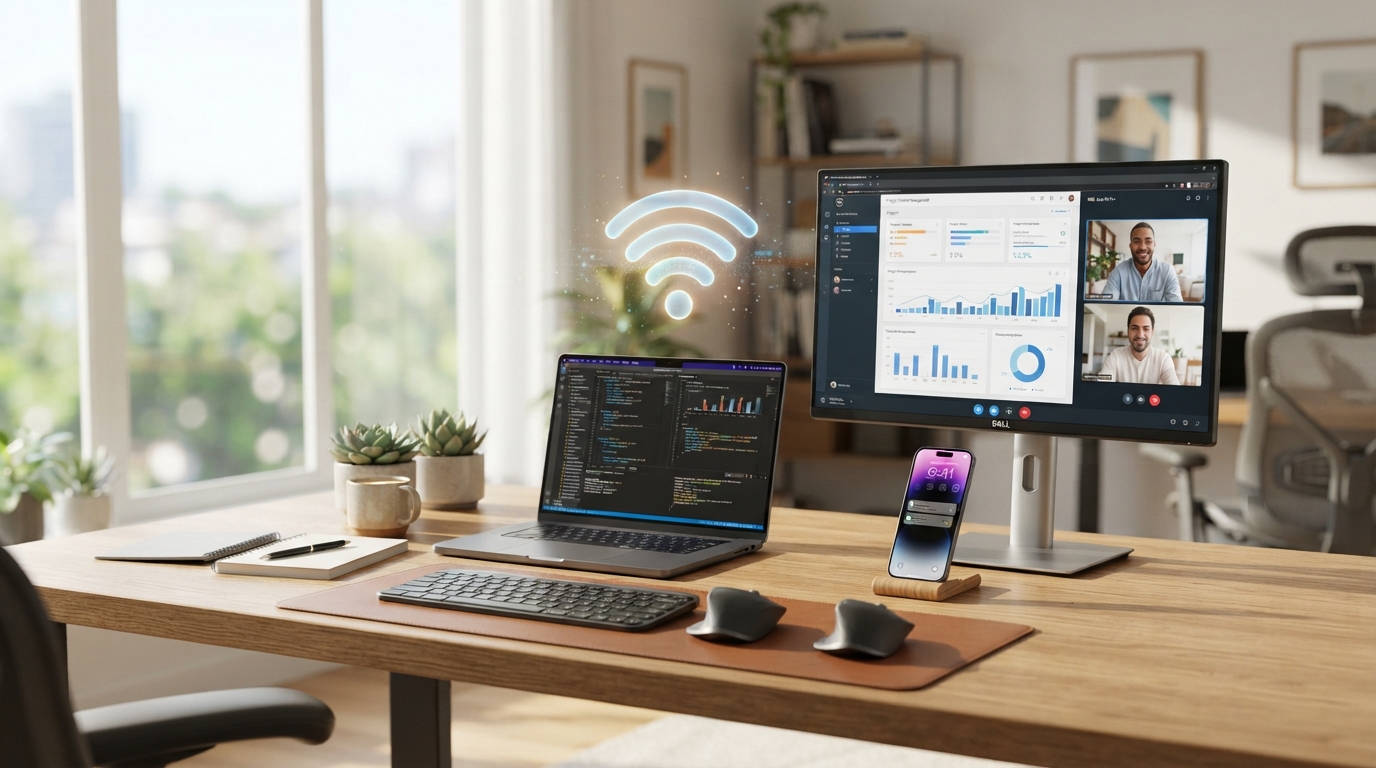
You do not need a high-end computer or a specialized setup to succeed at VAA Global. What you actually need is more basic than most people assume: a laptop or desktop that can handle a video call and a web browser without constantly struggling, and an internet connection stable enough to stay connected through a weekly live class. This post is meant to be a straightforward, honest answer, not a marketing pitch with an inflated list of technical requirements you have to buy your way into.
Why the Requirements Are Kept General
VAA Global courses are built to be accessible to people across a wide range of financial and technical situations, which is part of the point of remote-skills training in the first place. Rather than publishing a rigid list of minimum specs that would exclude perfectly capable students, the honest answer is functional: if your device can join a video call and browse the web reliably, it can likely handle your course.
This matters because plenty of prospective students hesitate to enroll simply because they assume they need a powerful, expensive machine before they can even start, when in reality the bar is much more achievable than that.
The Device: Laptop or Desktop, Not Phone
Your main device should be a laptop or desktop computer. Live classes involve video calls, screen sharing, note-taking, and browser-based coursework happening at the same time, which is difficult to manage well on a phone screen. If you are choosing between options, prioritize a machine that starts up reliably and does not overheat or freeze during extended use, over one with impressive specs you will not actually use.
What You Do Not Need
For most VAA Global courses, you do not need a high-end graphics card, a large amount of storage, or the latest processor. This is browser-based and video-call-based learning, not video editing or software development work that demands serious processing power. Spending extra money chasing specs you do not need is not necessary before you enroll.
If you already own a working laptop that handles everyday browsing and video calls without major issues, it is very likely already good enough to start your course.
Internet Speed and Stability
Rather than quoting a specific megabit-per-second number, the more useful guidance is about stability. You need a connection that can hold a video call steady for the length of your weekly live class, which matters more than raw top speed. A connection that is fast in bursts but drops out repeatedly will be more disruptive than a slower, steady one.
It also helps to think about what else is using your connection at the same time. A household with several people streaming video or downloading large files during your class time can strain even a decent connection, so timing matters as much as the plan you are paying for.
Backup Options if Your Connection Is Unreliable
If home internet is inconsistent, many students rely on mobile data, a nearby cyber cafe, a friend or relative's connection, or a co-working space during class hours. It is worth testing your planned setup with an actual video call before your course starts, so you know ahead of time whether you need a backup plan for live sessions.
A Quiet, Distraction-Free Space Matters Too
Beyond hardware, having a reasonably quiet space for the hours your live classes run makes a real difference in how much you get out of each session. This does not need to be a dedicated office, just somewhere you can hear the instructor and participate without constant interruption.
A pair of basic earphones with a built-in microphone can also make a noticeable difference in call quality if your room has background noise you cannot fully control, and they are a much smaller investment than upgrading your entire device.
Getting Your Setup Ready Before You Start
Before your first live class, it is worth doing a basic test run: join a video call, check your camera and microphone, and confirm your internet holds steady for at least the length of a typical class. Sorting this out ahead of time means you spend your first real class learning, not troubleshooting, and it lets you walk into onboarding with one less thing to worry about.
If your device and connection can handle a normal video call, you are equipped enough to start. Explore the course catalogue to see which programme fits your goals, and when you are ready, the application form is the next step.