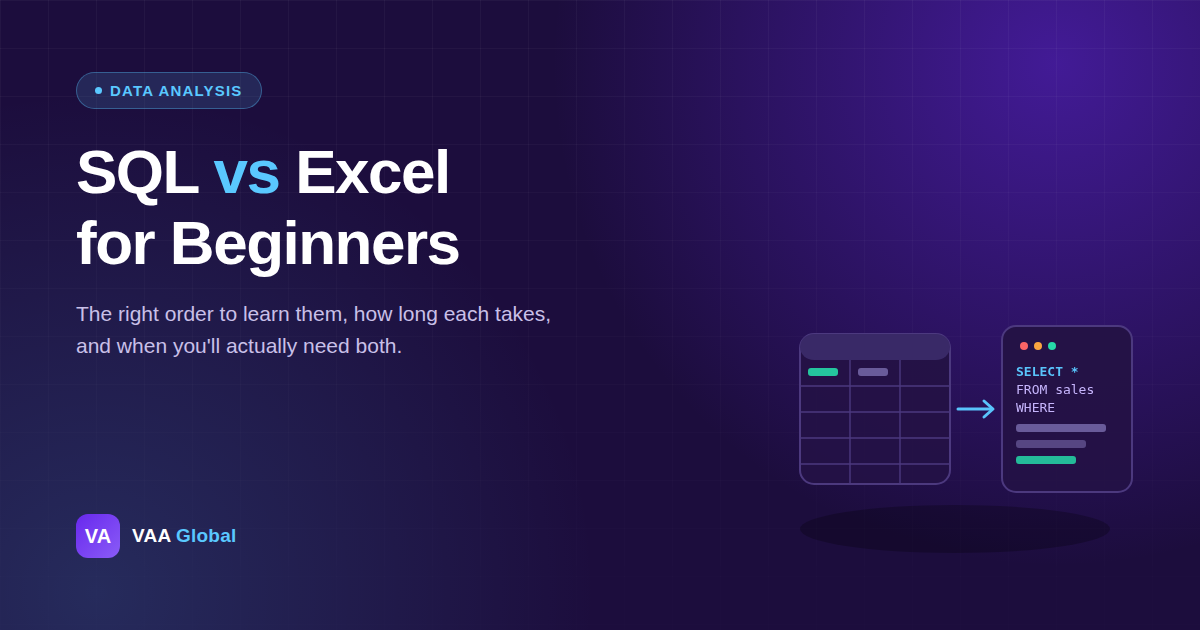
SQL vs Excel for beginners is one of the most common questions in data analysis. Both tools show up in almost every data analyst job listing. However, you do not need to learn them at the same time. This guide settles the order, and explains exactly why it matters, including how to learn SQL after Excel without wasting time or repeating steps you have already covered.
Should I Learn SQL or Excel First?
Learn Excel first. It teaches you to see rows, columns, and data types visually, which makes SQL far less abstract once you get there. Excel is also faster to start using on real, small tasks. SQL becomes useful once your data gets too large or too structured for a spreadsheet to handle well.
What Excel Actually Teaches You About Data
Excel forces you to see structure. You can watch a formula change a value in real time. You can see how filters, pivot tables, and formulas reshape raw data into something useful. Because everything is visible, mistakes are easier to catch, and lessons stick faster than they would in a more abstract tool.
What SQL Adds Once You Know Excel
SQL retrieves and combines data directly from a database. It can handle millions of rows at once, using queries instead of manual scrolling. Excel cannot do that comfortably. However, once you understand tables, columns, and filtering from Excel, SQL syntax stops feeling like a foreign language. Writing your first database queries becomes a faster way to do things you already understand conceptually.
Excel vs SQL: What Each One Is Actually For
Think of it this way: Excel helps you understand data. SQL helps you retrieve it. Excel is built for exploring, cleaning, and presenting data by hand. SQL is built for something different. It pulls exactly the data you need from a much larger database, quickly and precisely, through a well-written query.
How Long Each One Takes to Learn
Basic Excel skills, such as formulas, filters, and pivot tables, typically take two to four weeks of regular practice. SQL fundamentals take a similar amount of time once Excel concepts are already familiar. In short, learning them in order does not cost you extra time overall. It just makes each step easier than tackling them together from the start.
When You Will Actually Need SQL on the Job
Most entry-level data analyst roles still lean heavily on Excel for daily reporting. SQL becomes essential once you are pulling data from a company database rather than a spreadsheet someone emailed you. As a result, many analysts use both tools weekly, switching depending on where the data lives and how large the dataset is.
How to Learn Both in the Right Order
You can learn Excel first, then move on to the basics of SQL for free online, but structured training removes the guesswork of sequencing and depth. If you want a guided path, explore VAA Global's Data Analysis training program, which teaches Excel, SQL, and Power BI in that order. You can also take VAA Global's free Career Compass quiz to confirm this path fits you, browse the full list of 33 VAA Global courses if you are still deciding between tracks, or read about VAA Global's story and approach to training.
Do You Need Both for an Entry-Level Job?
Often, yes, eventually. Many job listings mention both tools. However, few expect mastery of either one on day one. Most employers care more about your ability to answer a business question with data, using whichever tool actually gets the job done fastest. The tool you use to get there matters less than getting the answer right.
The Bottom Line
SQL vs Excel for beginners is not really a competition. Learn Excel first, since it builds the foundation everything else depends on. Add SQL once spreadsheets start feeling too small for the data in front of you. Together, they cover almost everything an entry-level data analyst genuinely needs on day one, and neither one truly replaces the other.