Virtual assistant tools in Nigeria are the foundation of every successful remote career. International clients expect you to know their tools before you start, not after. If you show up to your first client role without knowing Slack, Trello, or Google Workspace, you create unnecessary friction that undermines their confidence in you. This guide covers every tool category a Nigerian VA needs to master in 2026.
What Tools Do Virtual Assistants Use in Nigeria?
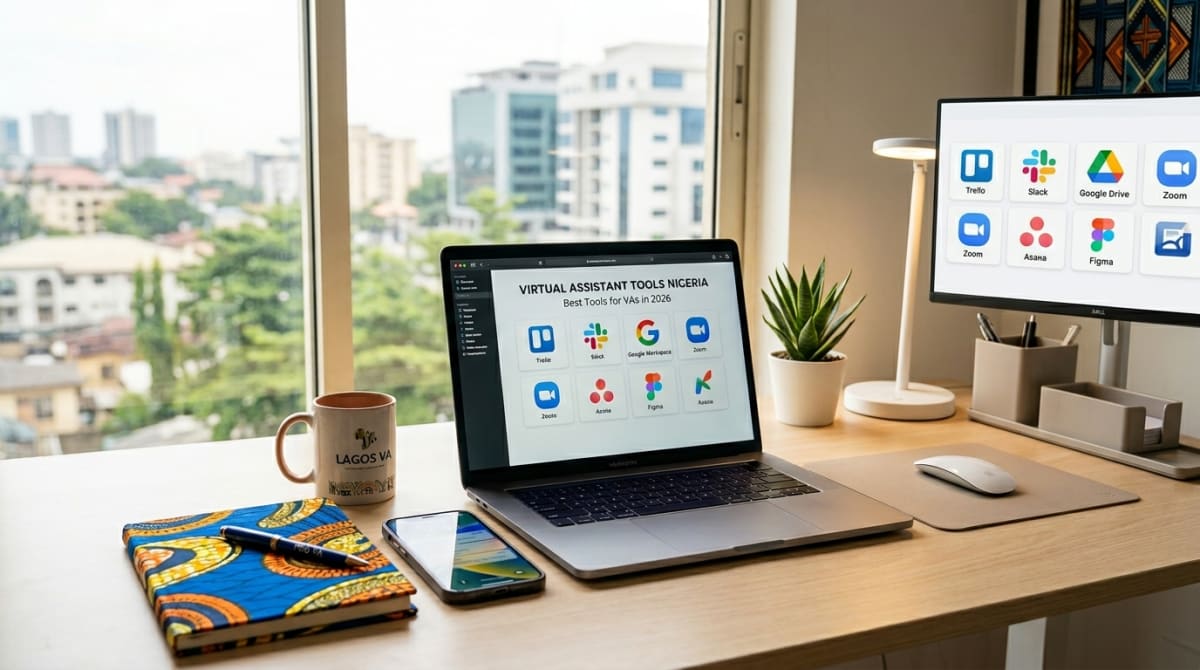
The most essential virtual assistant tools include Slack for communication, Trello or Asana for task management, Zoom for meetings, and Canva for design tasks. In addition, Google Workspace underpins almost all remote work, and AI tools like ChatGPT are increasingly expected by international employers in 2026.
You do not need to master every tool before your first client. However, you should be comfortable with the core set before applying for roles. As a result, you will onboard faster and make a stronger first impression.
Communication Tools Every Nigerian VA Needs
Slack is the most widely used messaging tool in international remote teams. It replaces email for day-to-day communication and organises conversations into channels by project or topic. Most US and UK companies use Slack as their primary internal tool. Learn it first.
Zoom is the standard for video calls. You will use it for onboarding calls, weekly check-ins, and team meetings. Learn how to schedule meetings, share your screen, use the waiting room, and record calls with consent.
Google Meet is used by teams that run on Google Workspace. It is simpler than Zoom and integrates directly with Google Calendar. If your client uses Google tools, Meet is what you will use for all video calls.
Project Management Tools for Virtual Assistants
Trello is a visual project management tool that uses boards, lists, and cards. It is the most beginner-friendly option. You create a card for each task, assign a due date, and move it across lists as it progresses, To Do, In Progress, Done. Many small business owners and solopreneurs use Trello.
Asana is more powerful and used by larger teams. It supports subtasks, dependencies, timeline views, and detailed reporting. Consequently, if your client manages multiple projects simultaneously, they likely use Asana.
Notion is an all-in-one workspace combining notes, databases, and task management. Many remote teams use it as their company knowledge base. Learning Notion gives you a significant advantage when applying for VA roles.
Google Workspace: The Foundation of Remote Work:
Google Workspace is not optional for Nigerian VAs, it is essential. You must be fully comfortable with Gmail for professional email management, Google Calendar for scheduling and shared calendars, Google Docs for collaborative document creation, Google Sheets for data management and basic formulas, Google Drive for file organisation and access permissions, and Google Meet for video calls.
Most clients will share access to their Google Workspace and expect you to work within it from day one. Therefore, spend time practising each of these tools before your first client engagement.
What AI Tools Should Nigerian VAs Learn?
Which AI Tools Are Most Important for Virtual Assistants in 2026?
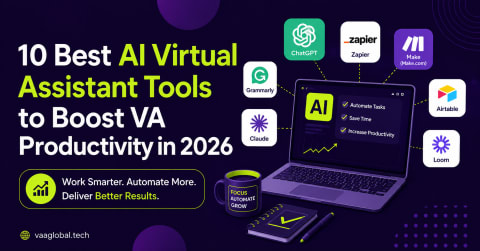
AI chatbots like ChatGPT, Claude, etc, are the most important AI tools for VAs to master in 2026. Use them to draft emails, write social media captions, summarise documents, create meeting agendas, and produce first drafts of any written deliverable. Beyond chatbots, Zapier enables workflow automation without coding, and Grammarly ensures error-free client communication. Together, these three tools can save a VA five to eight hours per week.
Zapier connects your apps and automates repetitive workflows. For example, you can build a Zap that automatically saves email attachments to a Google Drive folder, creates a Trello card when a form is submitted, or sends a Slack notification when a client books a call. These automations run in the background while you focus on higher-value work.
VAA Global's AI Programme covers ChatGPT prompt engineering, Zapier, N8N, and Make.com in depth. This is the same skill set that allows VAs to charge 25 to 40 percent more than non-AI-literate competitors.
Design and Scheduling Tools
Canva is the go-to design tool for VAs who handle social media or content creation tasks. It has thousands of templates for social media posts, presentations, flyers, and email headers. You do not need any prior design experience to create professional graphics in Canva. Learn the brand kit feature specifically, it lets you apply a client's colours and fonts across all designs instantly.
Calendly eliminates the back-and-forth of scheduling meetings. You set your available hours and share a booking link. Clients book directly into your calendar. As a VA, you will use Calendly for your own bookings and to manage your clients' scheduling.
Customer Service Tools
Zendesk is the most widely used customer support platform globally. If your client is an e-commerce brand or SaaS company, they almost certainly use Zendesk. Learn how to manage tickets, use macros (saved responses), escalate issues, and generate reports. Freshdesk and Intercom are popular alternatives worth knowing.
Where to Learn All These Tools
VAA Global's Virtual Assistance programme covers all the core tools listed above with practical exercises that simulate real client environments. You practise in the same tools that international employers use, so you are genuinely job-ready by graduation.
Not sure which VA specialisation to pursue first? Use the VAA Global Career Compass to get a personalised recommendation. Then visit VAA Global Talent after training to connect directly with vetted international employers.
Start with Google Workspace, Slack, Zoom, Trello, and Canva. Add tools as your clients require them. Within six months of active VA work, you will have hands-on experience with most of the tools on this list.